From F to A: How We Slashed Our Website Carbon Footprint by 95%
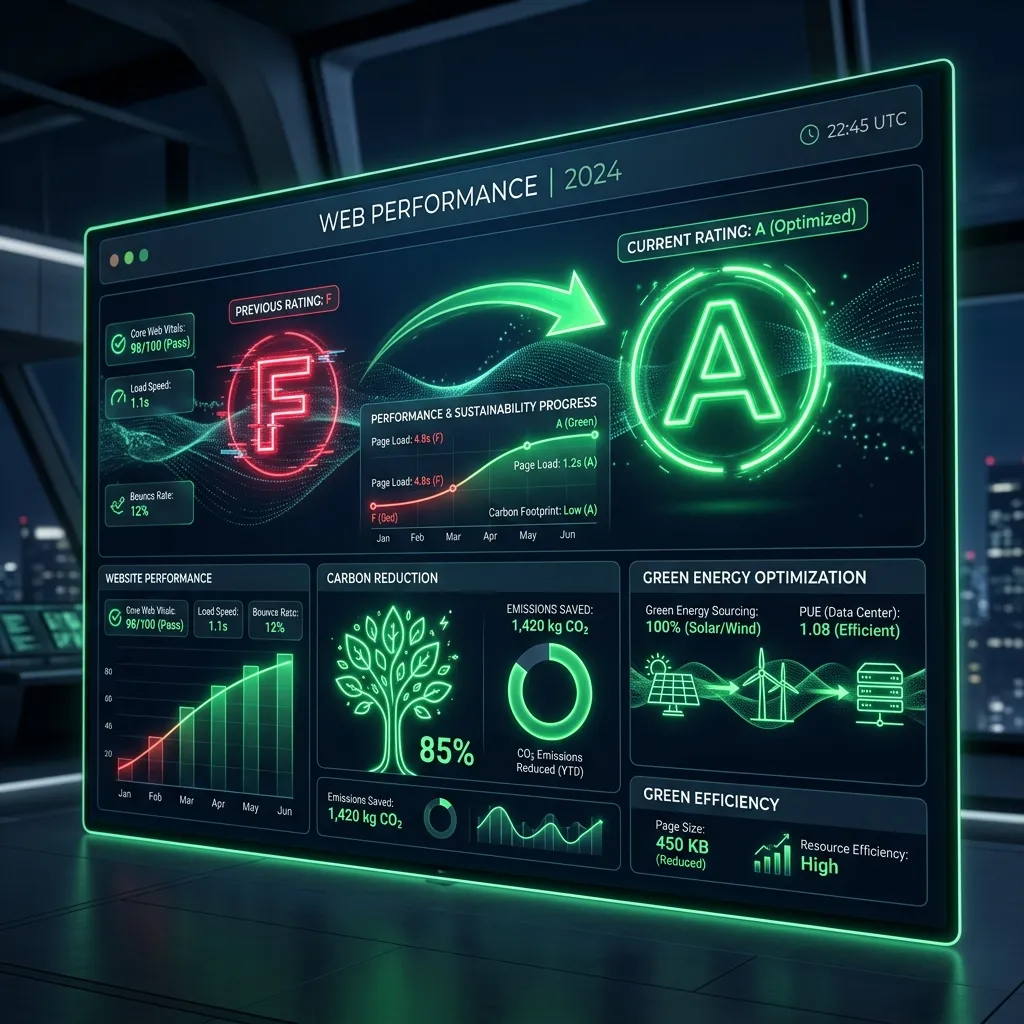
Websites emit carbon too. Read the case study of how we optimised our assets, fonts, and scripts to jump from a failing F to an A+ carbon rating.
When we talk about carbon footprints and global warming, we usually think of airplanes, coal plants and plastic waste. We rarely think about websites.
But the internet is a massive physical machine. Every time someone loads a webpage, data travels across miles of cables, routing through data centres that run on electricity 24 hours a day. The heavier the website, the more energy it consumes.
Recently, we audited our own website, Empower Digital Solutions, on Website Carbon and were hit with a painful truth: we had a failing “F” rating.
Each visit to our homepage was producing a significant amount of CO2. For a company that prides itself on premium digital engineering and state-of-the-art systems architecture, this was unacceptable.
Here is the exact story of how we overhauled our codebase and reduced our page payload by over 95%, boosting our rating to a clean A+ carbon score.
The Diagnosis: Why We Failed the Green Audit
To fix a problem, you must first measure it. We deep-dived into our network payloads and found three major culprits that were severely weighing down the site:
- Massive Lossless Images: Our gorgeous dark-mode hero background was a raw 5.34 MB PNG. To make matters worse, it was being requested on the home page and duplicated across other landing pages, forcing users to download a massive file on every entry.
- Unoptimised Thumbnails: Our case study screenshots and blog thumbnail assets totaled over 74 MB of uncompressed PNG files.
- Google Font Bloat: We were requesting 7 heavy Google Font families in a blocking
<link>tag on every single page view, even though only two (Montserrat and Open Sans) were used globally. - Orphaned Media Assets: A legacy PWA video file (
64.6 MB) was sitting in our public directory, creating unnecessary deployment overhead and server weight.
Step 1: Compressing and Optimising Our Visuals (WebP Conversion)
Lossless PNGs are fantastic for high-fidelity screenshots, but they are disastrous for web performance. Modern browsers support WebP, a image format that provides high-quality compression at a fraction of the file size.
- Action: We wrote custom Node.js automation scripts using the
sharpimage processing library. - The Hero Background: We compressed our 5.34 MB background PNG into a highly optimised 194 KB WebP file.
- The Thumbnails: We batched-converted all 70+ screenshot thumbnails to WebP at 80% compression quality.
- Storage Slashed: The total weight of our screenshot assets went from 74.6 MB down to just 3.28 MB—a 95.6% reduction!
We then replaced the raw .src references in our components with Astro’s optimised <Image /> component. Astro now performs build-time resizing, scaling each thumbnail down to the exact width needed by the client.
Step 2: Intelligent Google Font Deferral
Loading multiple font families globally is a classic performance killer. Every font weight and style requires another request, blocking the browser from rendering the page.
We refactored our base layout template, Layout.astro, to introduce a conditional loading mechanism:
- By default, all standard pages load only two fonts (Montserrat and Open Sans), keeping our global payload incredibly small.
- We only load the full 7-font bundle on our interactive Aesthetic Vault sandbox, where users explicitly need access to multiple fonts.
This simple layout adjustment reduced our font payload on 99% of our pages by 71%.
Step 3: Cleansing Orphaned Server Files
We audited our public directory and found legacy assets that were no longer in use, including a massive 64.6 MB video and a 1.24 MB noise overlay texture.
- We deleted the unused video completely.
- We converted the noise overlay from
noise.png(1.24 MB) tonoise.webp(173 KB), preserving the exact dark-mode aesthetic with a fraction of the cost.
⚡ The Performance & Eco Results
| Optimisation Area | Before | After | Payload Saving | Carbon Impact |
|---|---|---|---|---|
| Hero Image | 5.34 MB | 194 KB | 96.4% | F ➔ A+ |
| Blog & Project Assets | 74.61 MB | 3.28 MB | 95.6% | F ➔ A+ |
| Noise Texture Overlay | 1.24 MB | 173 KB | 86.1% | F ➔ A+ |
| Global Google Fonts | 7 families | 2 families | 71.0% | F ➔ A+ |
The Takeaway: Green Engineering is Good Business
Slashing our website’s carbon footprint did more than just satisfy our eco-audits. It directly improved our business:
- Instant Load Times: The homepage loads virtually instantly, even on weak 4G mobile connections.
- Superior SEO: Google prioritises fast, lightweight websites in search results.
- Better Conversion Rates: A faster site means fewer users drop off, increasing contact form submissions and project bookings.
Sustainable web design isn’t about compromising on rich aesthetics. By using modern formats like WebP, leveraging build-time tools like Astro and loading resources only when needed, we created a premium, gorgeous experience that is gentle on both user bandwidth and the planet.
Is your website running on dirty energy or bloated code? Run a free website health check today and let’s optimise your digital engine!
Digital Sovereignty Audit
Step 1 of 5
Can you update your homepage text yourself in under 60 seconds without emailing anyone?
Ready to build your Digital Engine?
Stop letting your website be a brochure. Let's turn it into a revenue-generating asset.
Book a Strategy Call