Escape from Apple Jail: A Case Study in Digital Sovereignty
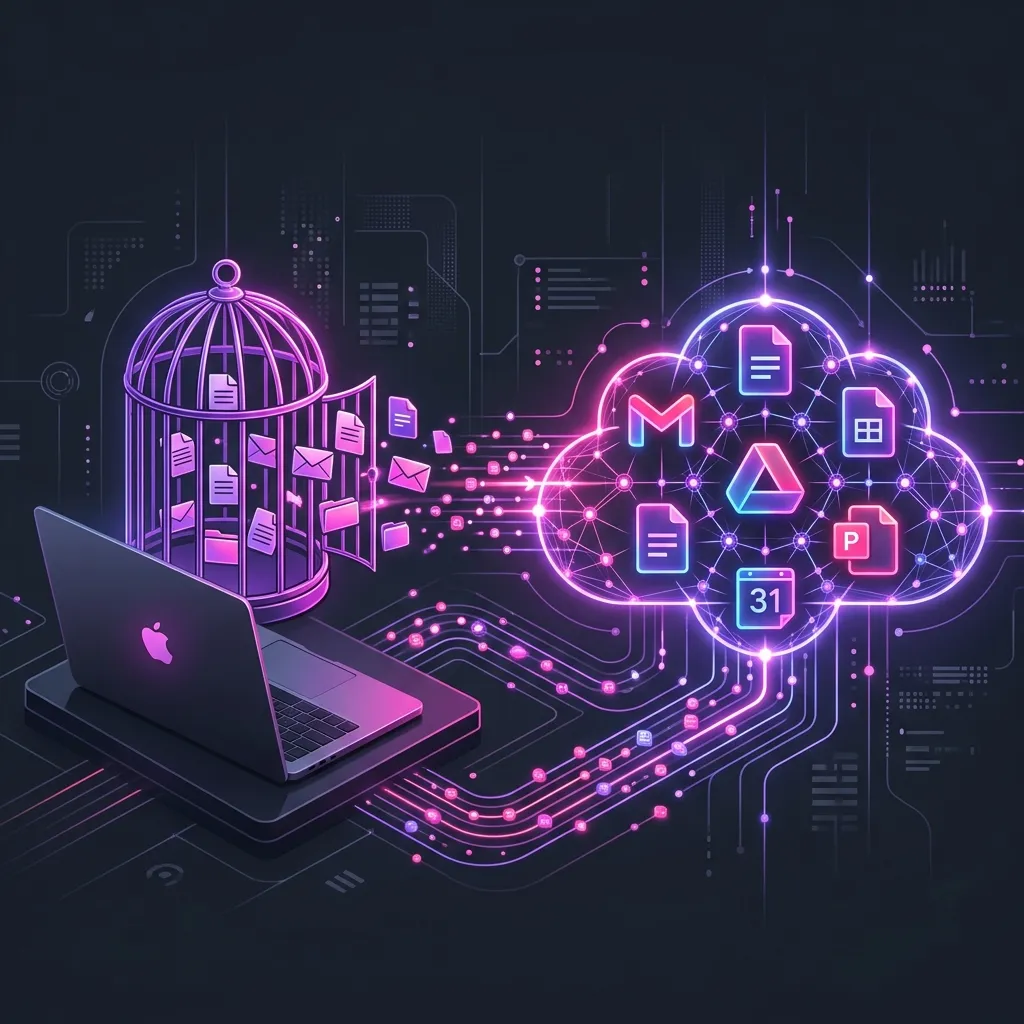
How we rescued a founder's business intelligence from local MacBook captivity and migrated her entire operation to a secure, synced Google Workspace engine.
The Local Storage Captivity
Many early stage founders run their businesses on the tools they are most familiar with: their personal Apple devices. It starts out simple. A couple of local notes, some contacts in Apple Mail, and a spreadsheet made in Numbers.
But as the business grows, this ecosystem can turn into a technical prison.
We recently worked with a brilliant Scottish female founder who was experiencing this exact trap. Her entire business administration was living as a single point of failure, locked entirely inside the “On My Mac” storage of her laptop.
The Core Challenges
When we conducted her initial Digital Sovereignty audit, we discovered a series of operational bottlenecks that put her business at risk:
- Format Isolation: Important financial files and client trackers were locked in local Apple Pages and Numbers formats. There was no cloud backup, no version history, and zero collaboration capability.
- The “On My Mac” Prison: Her contacts, calendars, and operational details were stored locally. Because they were not synced to a secure cloud workspace, they were completely invisible on her iPhone or any secondary device. If her MacBook suffered a hardware failure, she would lose years of business intelligence.
- Disconnected Domain Email: Her professional website email was configured to route to a local Apple Mail client. This resulted in delayed notifications, constant configuration errors, and emails that she could only read or reply to when sitting at her desk.
The Architecture Solution
We stepped in to design a unified cloud engine using Google Workspace, replacing her fragmented local setup with an enterprise grade architecture.
1. Migrating to Google Workspace
We migrated her entire operating system from Apple local folders to a secure, professional Google Workspace environment. This removed the single point of failure, ensuring all files are backed up automatically in the cloud.
2. Transitioning Local Files to Collaborative Tools
We converted all of her local Pages and Numbers files into dynamic Google Docs and Sheets. This shifted her files from static, offline archives to collaborative, live assets that she can edit in real time, whether she is on her laptop or her phone.
3. Professional Email Infrastructure
We updated her DNS records and configured her custom website email domain to route cleanly through Google Workspace. Instead of wrestling with clunky Apple Mail servers, her professional emails now sync flawlessly in real time across all of her devices.
The Result: Peace of Mind and True Scalability
The migration completely transformed how she runs her business day to day:
- Zero Data Anxiety: She no longer fears losing her client details or notes if her laptop breaks. Everything is backed up and securely accessible from any web browser.
- Total Mobility: Her phone and laptop are now in perfect sync. She can answer a client inquiry on the go via her professional email, update a client spreadsheet in Sheets, and view her synced calendar instantly.
- True Sovereignty: By owning her digital real estate and moving to an open, standardized collaborative cloud suite, she is no longer dependent on any single device or local folder structure.
Are you struggling with local storage, disconnected email domains, or clunky manual setups? Book a relaxed, no pressure Digital Sovereignty Audit to see how we can build a synced, secure digital engine for your business.
Digital Sovereignty Audit
Step 1 of 5
Can you update your homepage text yourself in under 60 seconds without emailing anyone?
Ready to build your Digital Engine?
Stop letting your website be a brochure. Let's turn it into a revenue-generating asset.
Book a Strategy Call