How I Run a High-Performance Digital Agency for £0.00/Month
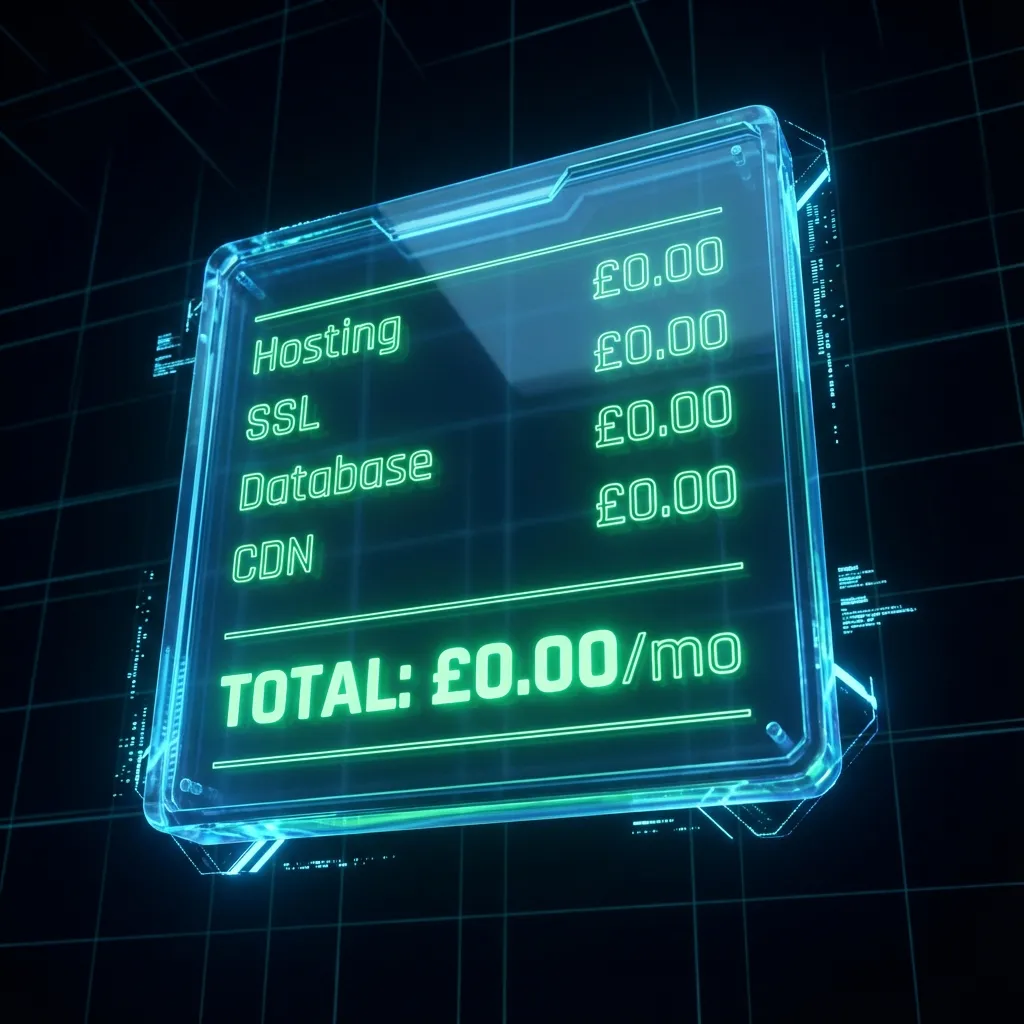
My journey from 'WordPress Plugin Hell' and paying for 5 different CRM tools, to building a custom, zero-cost infrastructure that runs itself.
I didn’t start as a coder. I started out managing administrative operations in 2015, and like everyone else, I started with WordPress.
It was popular, so it had to be the best, right?
The Reality Check I came from a background of using tools like Canva. I was used to drag-and-drop freedom. I naively expected building a website to be the same: pick an image, resize it, put it exactly there.
Instead, I spent a month fighting with themes. I couldn’t just “move” a text box. The idea in my head wasn’t coming out onto the page. To fix it, I spiralled into Plugin Hell.
- “I need a contact form.” → Install Plugin.
- “I need it to load faster.” → Install Caching Plugin.
- “I need it to be secure.” → Install Security Plugin.
- “I need it to be mobile-friendly.” → Install Mobile Plugin.
- “I need it to be responsive.” → Install Responsive Plugin.
- “I need it to be SEO-friendly.” → Install SEO Plugin.
Before I knew it, I had 30 plugins installed. I was hunting for free versions, hoping they wouldn’t break each other. The site was slow, heavy and fragile.
The “Tool Tax” Trap
As my VA business grew, the problem got worse. I was now managing workflows for clients using their preferred tools.
I was in the throes of Monday.com, ClickUp, Asana, Dubsado, HubSpot, Trello.
They are all great tools, but the costs were stacking up.
- WordPress Hosting: ~£15/mo
- Zapier: ~£20/mo
- CRM (HubSpot/Dubsado): ~£30/mo
- Project Management: ~£10/mo
I had to master all of them. And because I didn’t want to pass costs onto clients just for me to learn how to use the systems they liked, I found myself paying monthly subscriptions just to do my job.
I was running a business, but I felt like I needed to hire a VA for myself just to manage the admin of the tools I was using.
The Pivot: Building “The Internal VA”
There wasn’t a single platform that ticked every box for my specific way of working. They were either too simple or bloated with “Enterprise Features” I would never use always hiding the one feature I did need behind a paywall.
So, I decided to build my own.
I learned to code. I built a system that hosted itself, looked exactly how I wanted and did only what I needed.
- No monthly fees.
- No “Plugin Updates” breaking my site.
- No paying for features I don’t use.
My software costs dropped to £0.00. (I only pay for professional indemnity insurance and my domain names).
The Tech Stack (Then vs. Now)
Here is the breakdown of how I engineered my costs down to zero.
| Feature | The “Normal” Way (Then) | My Way (Now) |
|---|---|---|
| Website Platform | Wordpress (~£25/mo) | Astro (Static Site) (£0/mo) |
| Hosting & SSL | Premium Managed Hosting (~£15/mo) | Vercel Global Edge (£0/mo) |
| Automations | Zapier Professional (~£20/mo) | Google Apps Script (£0/mo) |
| CRM / Database | HubSpot / Dubsado (~£50/mo) | Supabase (£0/mo) |
| Content Mgmt | Contentful / Paid Plugins | Keystatic / Markdown (£0/mo) |
| TOTAL COST | ~£110/mo (Rents Forever) | £0.00/mo (Owned Forever) |
1. The Website: Astro & Vercel
- The Old Way: WordPress Hosting or Squarespace.
- My Way: I built this site with Astro, a modern static site generator. Hosted on Vercel’s Global Edge Network.
- Result: 100/100 Lighthouse Performance scores and instant page loads.
2. The Database: Supabase
- The Old Way: Managing a slow MySQL database on a shared server or paying for Airtable.
- My Way: Supabase (an open-source Firebase alternative). It handles all my data, from blog posts to project enquiries. I trust the security and performance.
3. The Automations: Google Apps Script
- The Old Way: Zapier and HubSpot to catch leads and send emails.
- My Way: I write custom JavaScript using Google Apps Script. It lives inside my free Gmail account.
- Lead comes in → Script runs.
- Script checks database → “Is this a new client?”
- Script sends email → “Hey [Name], thanks for reaching out!”
- Script alerts me → Sends me an email notification.
From “Me” to “You”: The Quote Command Architecture
Once I realised I could build this for myself, I realised I could cure this pain for others.
I spoke to business friends about their frustrations. That led to Quote Command, my first custom tool built entirely around a client’s specific workflow. View the demo here.
Because of my background in administration, I don’t just see “code”. I see the bottleneck. I see where you are spending 20 hours every week on repetitive admin that a script could do in 3 seconds.
The Result: I don’t need to hire a VA. My systems do the work for me. I spent the time building them once, so I never have to do the manual work again.
Stop renting your business. Start engineering it.
If you are tired of paying for software that forces you to change how you work, let’s talk. Book a Strategy Call
Digital Sovereignty Audit
Step 1 of 5
Can you update your homepage text yourself in under 60 seconds without emailing anyone?
Ready to build your Digital Engine?
Stop letting your website be a brochure. Let's turn it into a revenue-generating asset.
Book a Strategy Call