VAAssist:
Client Management Portal
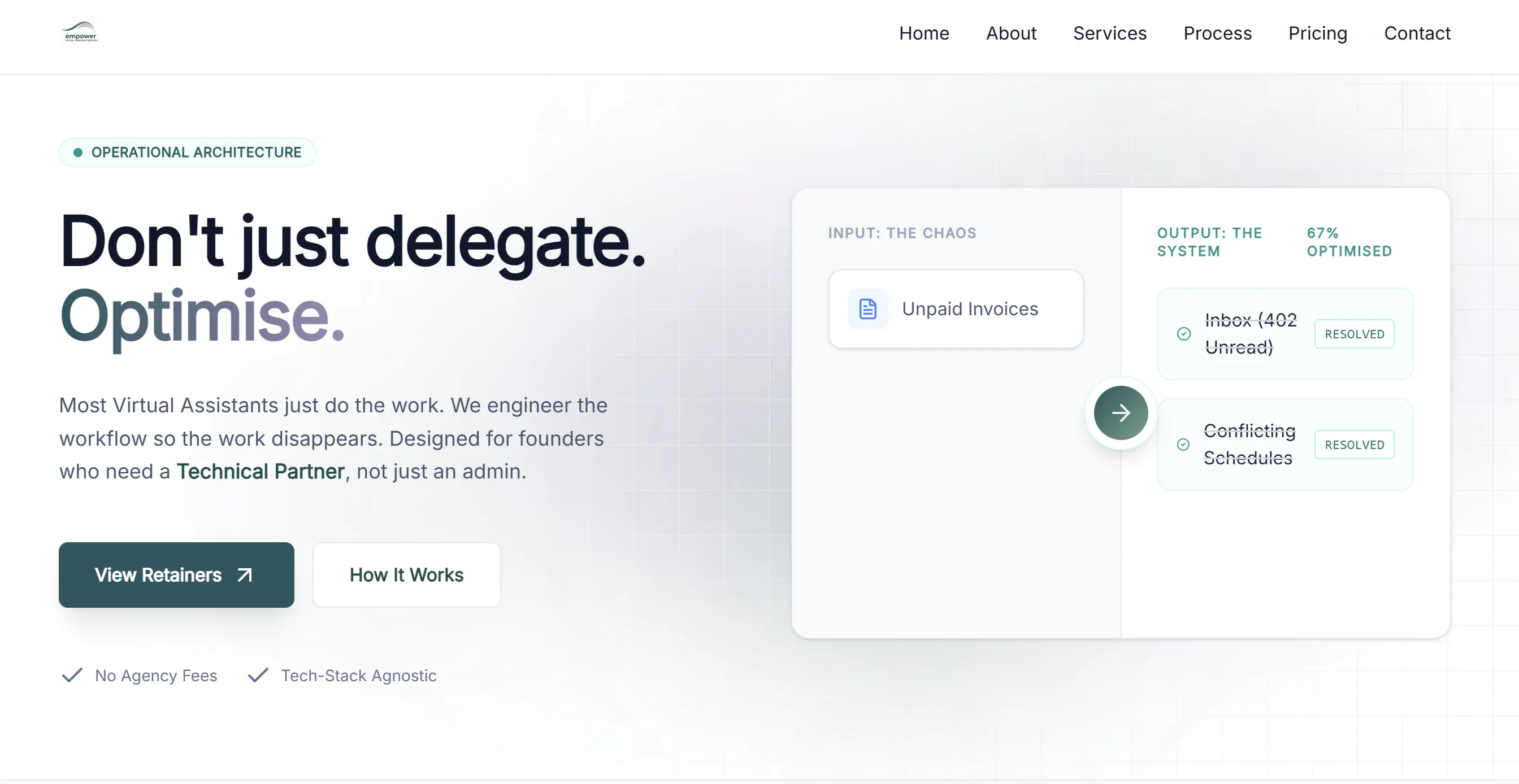
A streamlined, internal web application designed to help Virtual Assistants manage client relationships, track statuses, and rapidly generate contracts.

The Consolidated
Operating System
VAAssist isn't just a dashboard; it's a complete business architecture. It replaces the "Frankenstein stack" of 5-6 disparate subscriptions with a single, bespoke solution that you own.
The Old Way
- CRM: Dubsado, HoneyBook (£300+/yr)
- Project Mgmt: Asana, Trello, ClickUp
- Time Tracking: Toggl, Clockify
- Docs: PandaDoc, DocuSign (£250+/yr)
- Planning: Buffer, Hootsuite, Notion
The VAAssist Way
- Consolidated CRM: Centralised Client Lists
- Built-in Kanban: Drag-and-drop Task Management
- Native Timekeeping: Client-specific timers
- Smart Invoicing: One-click Time-to-Bill
- Content Engine: Integrated Calendar View
Why Custom Operating Systems Win
Long-Term ROI
Stop renting your business infrastructure. Instead of paying monthly fees forever, you invest once in a custom system that you own. As you scale, your costs stay flat while your efficiency compounds.
Data Sovereignty & GDPR
Your client data isn't scattered across 15 different servers owned by 15 different companies. It lives in one secure ecosystem that you control, simplifying compliance with ICO requirements and keeping sensitive information safe.
Key Features
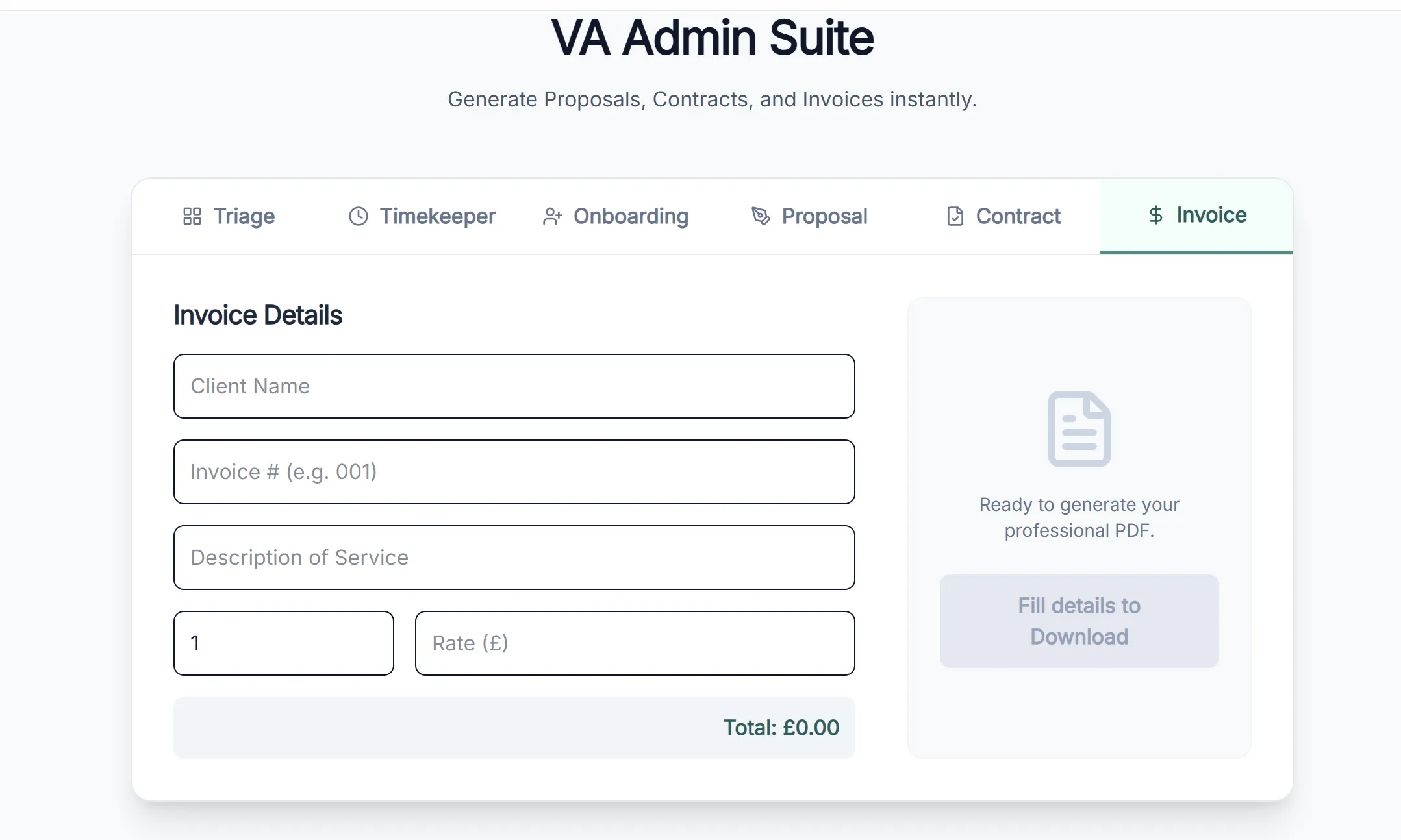
Smart Invoicing
Turn time into money instantly. Linked directly to the Time Tracker.
- Automation: Tracks billable time per client (default £50/hr).
- Execution: One-click "Generate Invoice" creates a calculated PDF.
One-Click Daily Reporting
Automate your end-of-day client updates. Aggregates all "In Progress" and "Done" tasks.
- Integration: Pulls directly from your Kanban Task Board.
- Result: Generates a clean, itemised "End-of-Day Summary" PDF.
Premium Document Generator
Create professional agreements, Quotes, and NDAs in seconds.
- Templates: Service Agreements, SOWs, and NDAs included.
- Quality: New "Premium A4" layout with branding & typography.
Agency Scaling Mode
Transition from Freelancer to Agency Owner with the Associates Dashboard.
- Profit Tracking: Visualise margins (Client Rate vs. Associate Rate).
- Delegation: Generate Subcontractor Agreements instantly.
Client Dashboard & Filtering
Manage relationships with essential metadata and profile drawers.
- Centralised List: View all clients with status metadata.
- Status Filtering: Instantly filter by Active, Lead, or Archived.
Time Tracking
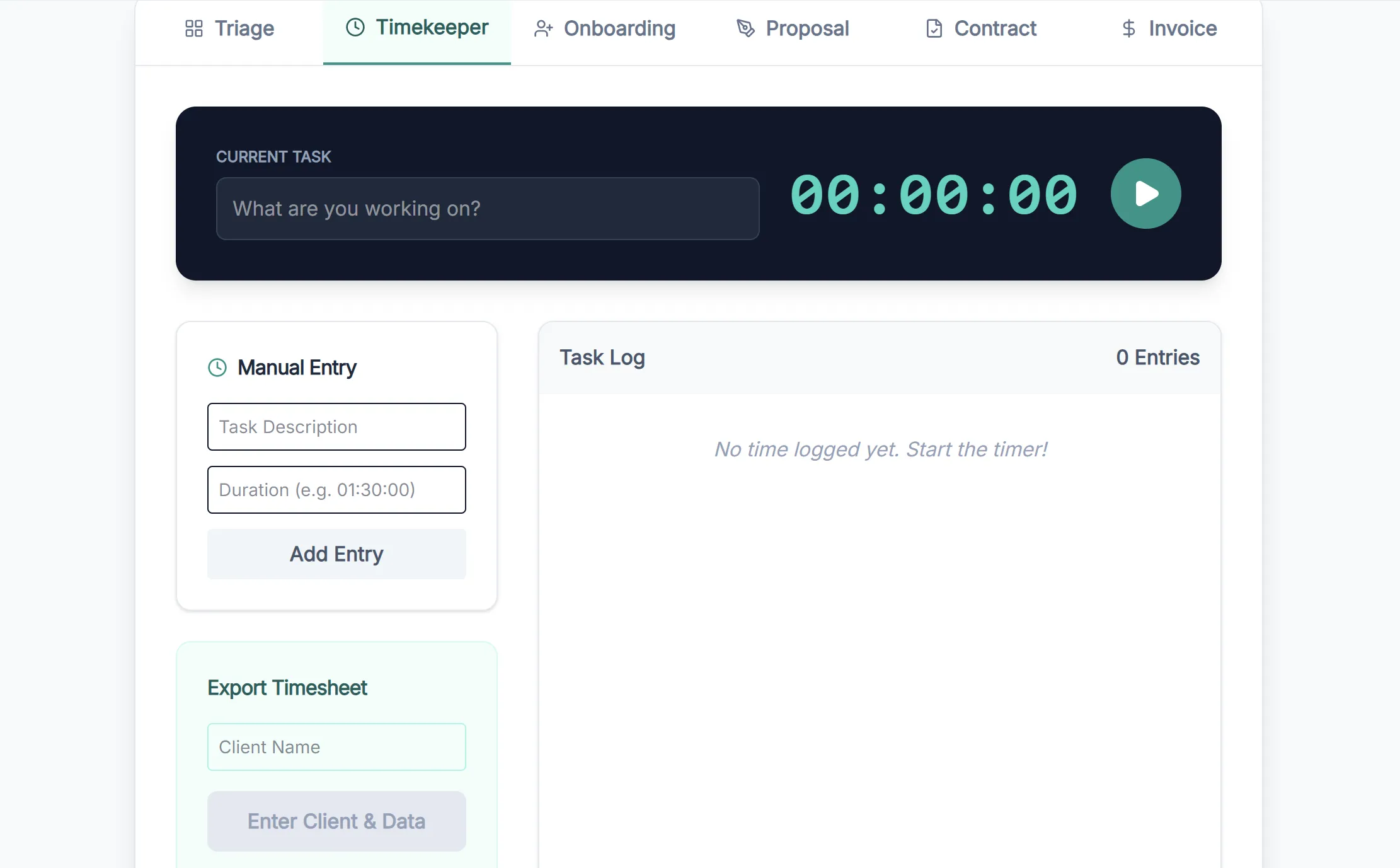
Client-specific timers with smart logic to prevent zero-time entries.
- Client Timers: Track billable hours per client.
- Smart Logic: Prevents invoicing "Internal" tasks.
Task Management
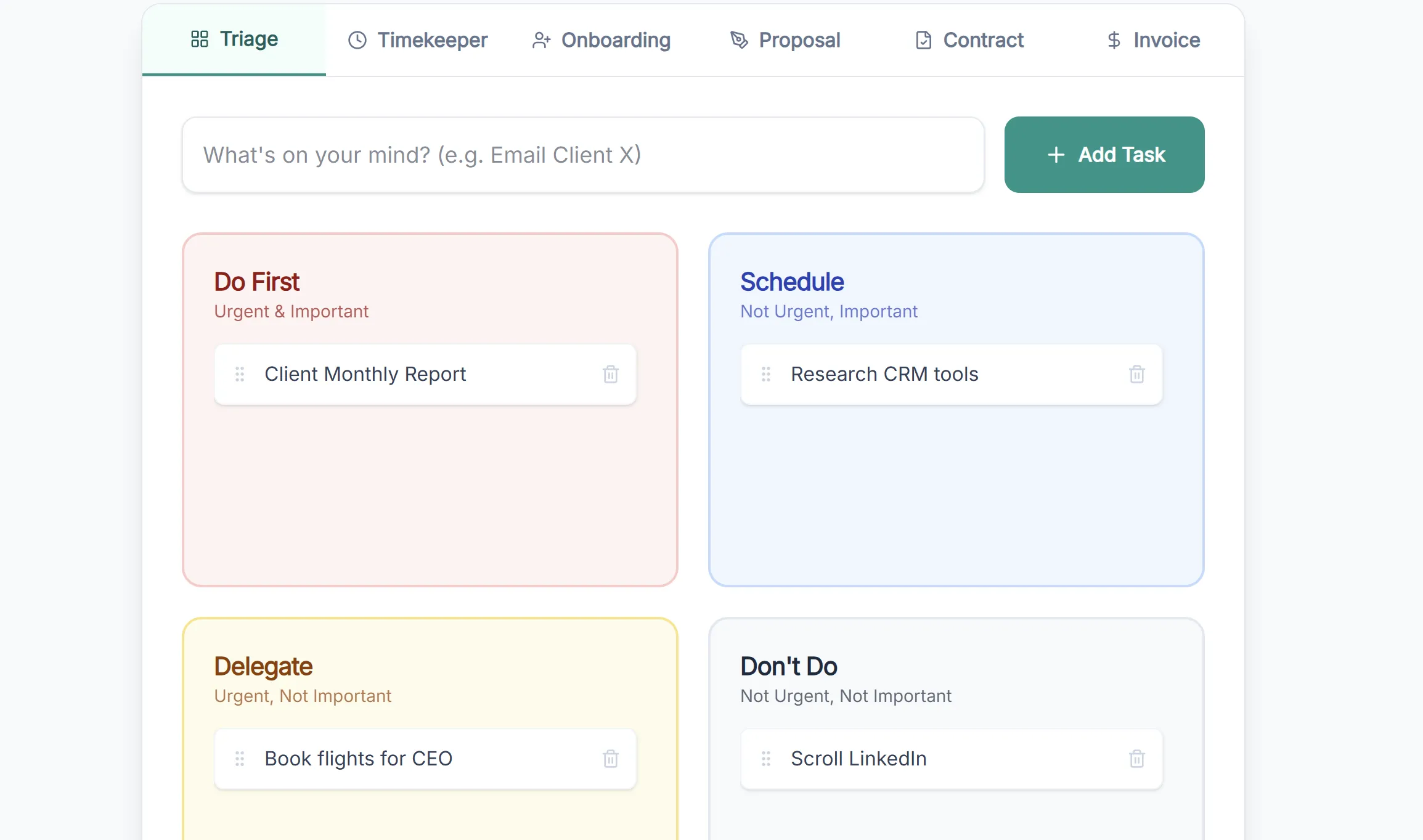
Kanban board with drag-and-drop workflow (ToDo, In Progress, Done).
- Kanban Board: Drag-and-drop task management.
- Client Badges: Visual indicators for client tasks.
Content Planning
Visual marketing calendar to plan posts and newsletters.
- Calendar View: Visual schedule for social media.
- Content Types: Categorise by video, newsletter, or post.
Visual Intelligence
Technology Stack
| Component | Technology | Rationale |
|---|---|---|
| Framework | Next.js 15+ | Server-side rendering, API routes, scalable architecture. |
| Frontend | React 18+ | Component-based UI, maintainable state management. |
| Styling | Tailwind CSS v4 | Utility-first, rapid responsive design. |
| Animations | Framer Motion | Smooth, professional interactions and transitions. |
| Database | Firebase (Planned) | Real-time NoSQL storage for client data. |
Common Questions
Everything you need to know about moving to a custom operating system.
Business & Cost
Why build a custom portal instead of using Dubsado or ClickUp?
Long-term ROI and total control. With a custom build, you stop paying monthly subscription fees (£20-£50/month) forever. You also get a workflow tailored exactly to your method, rather than forcing your business to fit into rigid, generic software.
Is this software scalable? What happens if I hire a team?
Absolutely. The Agency Scaling Mode is built-in. You can transition from a freelancer to an agency owner by generating Subcontractor Agreements and tracking profit margins (Client Rate vs. Associate Rate) directly in the dashboard.
Security & Data
Is my client data secure?
Yes. The app uses Google's Firebase for backend security, which is the same infrastructure used by major global apps. Authentication is handled securely, ensuring only you (and eventually your clients) can access the dashboard.
Do I own my data?
100%. Unlike SaaS platforms where your data is held hostage if you stop paying, this database belongs to you. We can even build export features so you can download your entire client history as a CSV or JSON file at any time.
Getting Started
What do you need from me to set up my custom portal?
To tailor the portal specifically to your business, I’ll need a few key assets:
- Branding Assets: Your logo (SVG/PNG) and brand colour hex codes.
- Company Details: Official business name and address for auto-populating invoices.
- Service List: Standard services and prices for the Scope of Work generator.
- Existing Data: Client lists (spreadsheets) for easy import.
I can also integrate your existing document templates to keep your wording and tone exactly the same.
Technical & DNS
How do I access the portal? Do I need to install software?
No installation is required. The portal is a web application that lives on a secure subdomain of your existing website (e.g., app.yourdomain.co.uk). You can access it from any browser, on any device.
Does this mess up my current website hosting?
Not at all. We use DNS records to point a specific subdomain (like portal.) to this application. Your main marketing website remains completely untouched and hosted where it is currently.
What happens if I want to change a feature later?
Unlike "closed" software where you have to wait for the company to release updates, you own the code. Under Empower Digital Solutions, we can deploy updates, change the colour scheme, or add new features whenever you need them.
Usability
Can I generate documents on the fly?
Yes. The "Rapid Document Generation" feature pulls client data directly into templates for NDAs, Invoices, and SOWs. You can preview them instantly in the browser before sending them off.
Does the time tracker connect to my invoices?
Yes! This is live in the demo. Imagine this: You stop your timer after a task, and a "Generate Invoice" button appears. One click creates a calculation-perfect PDF for that exact session, instantly connecting your time logs to your billing system.
How does the Daily Reporting save me time?
Instead of manually typing out end-of-day emails, features like One-Click Daily Reporting grab all your completed tasks from the Kanban board and format them into a professional PDF update instantly.
Ready to Streamline Your Workflow?
Check out the live demo of the VAAssist Portal and see how custom software can transform your operations.